
The Message Type in iOS Shortcuts
The Problem
iOS Shortcuts has the “every thing is an object” philosophy which plays quite well when you pair it with variables. As such, it allows you to use a single input (whatever you pass onto the shortcut) as a variable itself - meaning if you receive a “message” as the “shortcut input,” you automagically get:
- Sender
- Message Content
- Recipents
- Name?
Anyways, you get my point.
The problem is that the message type doesn’t automagically appear unless…
The Solution
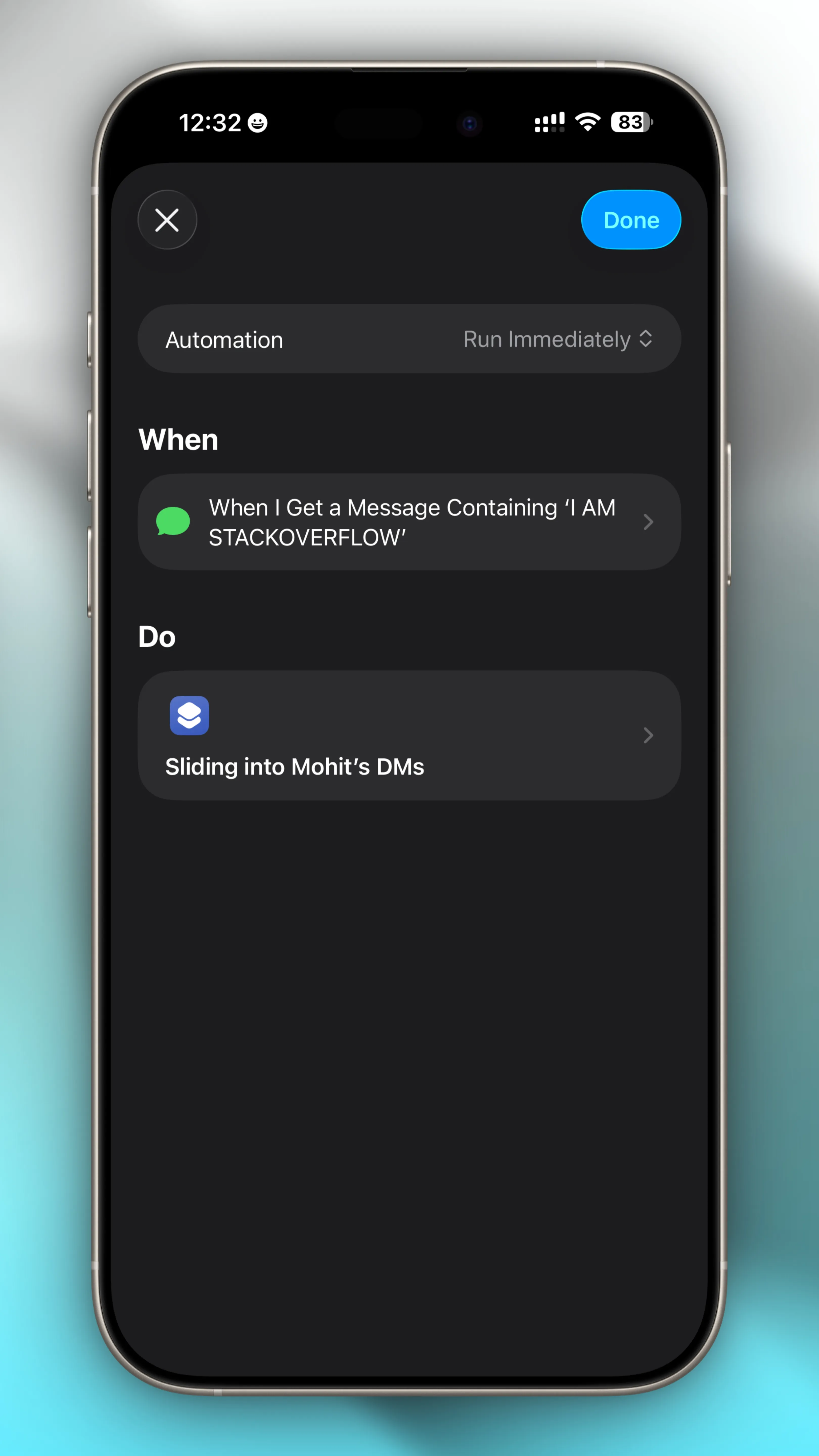
An automation of the type “Message” is configured beforehand and the required shortcut (“Sliding into Mohit’s DMs” as the example above) is selected as the one to process it.
Comments